why is my game lagging Common Causes and Best Fixes Explained
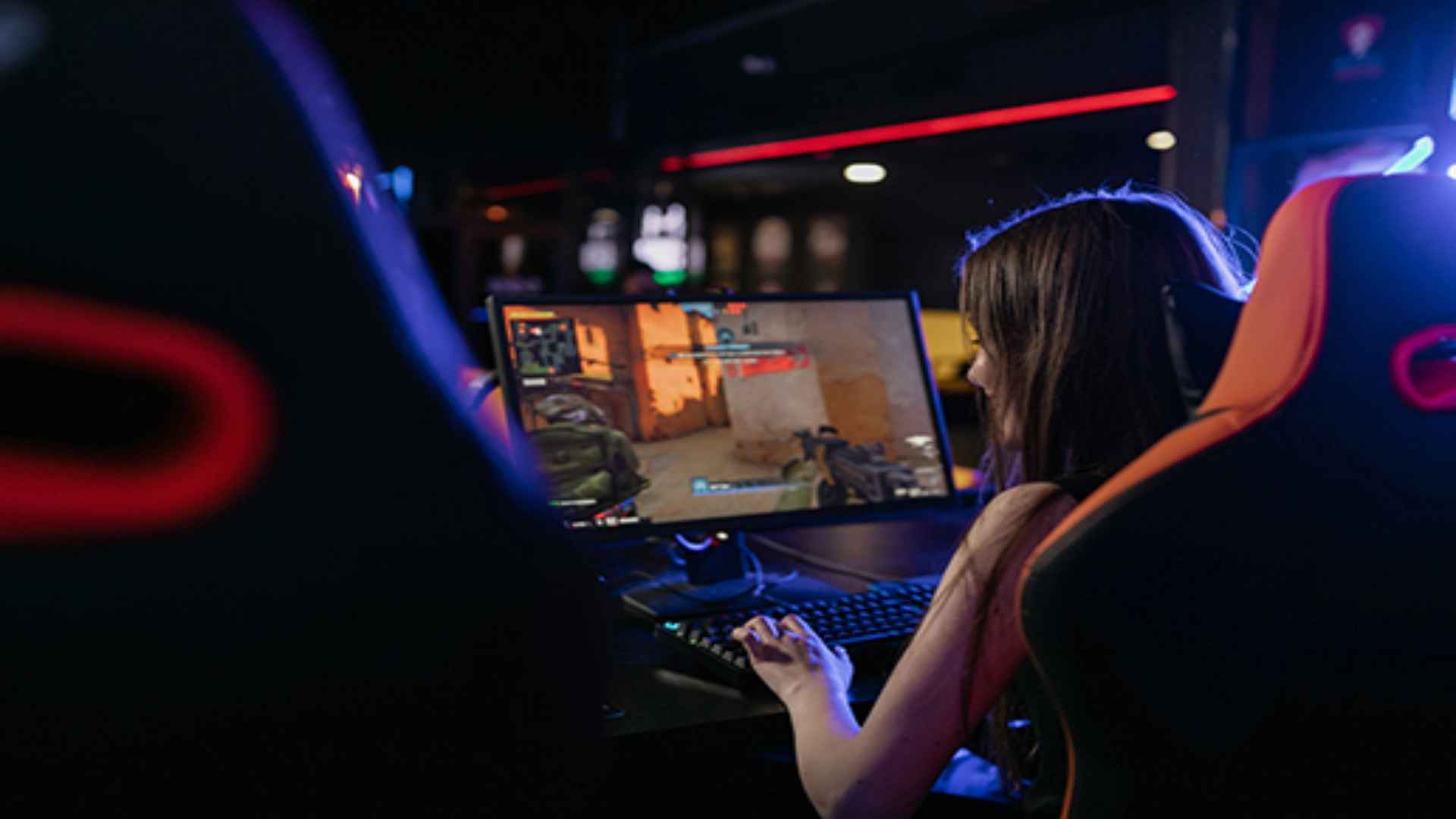
Experiencing sudden performance drops while playing your favorite video game can be incredibly frustrating, especially during intense multiplayer matches. Whether you are dealing with choppy visuals or delayed inputs, understanding the root cause of these interruptions is the first step toward achieving a smooth gaming experience. By identifying whether your system is struggling with hardware limitations or connectivity issues, you can easily implement the right solutions to restore peak performance.
Identifying Hardware and Software Bottlenecks
One of the most frequent culprits behind regular gameplay stuttering is an optimized hardware bottleneck within your computer or console. Even if you possess a high-end graphics card, a weaker central processing unit can struggle to process complex physics engines and background processes simultaneously. This mismatch forces your system to drop frames, resulting in an inconsistent visual presentation that heavily disrupts your immersion.
Furthermore, outdated device drivers frequently conflict with modern software updates, creating artificial limitations that slow down your system. Running too many applications in the background can also exhaust your available random access memory, forcing the machine to utilize slower system storage caches. Consistently updating your graphics software and cleaning your internal components helps mitigate these resource constraints effectively.
Analyzing Network Latency and Signal Instability
When the internal performance metrics look completely fine but your character appears to warp across the screen, the issue typically stems from network instability. High latency occurs when data packets take too long to travel from your gaming device to the remote servers and back again. Wireless connections are inherently vulnerable to environmental signal interference, which frequently triggers sudden packet loss and disruptive ping spikes.
Sharing your internet connection with multiple high-bandwidth activities, such as file downloads or streaming media, can easily saturate your home router. Transitioning your setup from a wireless connection to a hardwired Ethernet cable provides an immediate baseline improvement in data stability. Managing your local bandwidth distribution ensures your gaming packets receive the highest transmission priority across the network.
Practical System Settings Adjustments
Optimizing your internal application options can yield significant improvements without requiring expensive component upgrades. Lowering demanding visual effects, such as shadow rendering quality and global reflection settings, immediately alleviates heavy pressure on your graphics processor. Additionally, toggling features like hardware-accelerated GPU scheduling within your operating system can streamline how tasks are distributed.
It is also beneficial to verify that your display refresh rate aligns perfectly with your software output to prevent screen tearing. Disabling demanding background overlays from communication tools can free up valuable system resources for the active application. These minor configuration changes collectively maximize hardware efficiency and deliver much higher baseline stability during heavy rendering sequences.